
Journals102
Newest
Interview Time!
2 min read
It's been 24 hours since the release of Omnimo 10 
Check it out, if you haven't already here or on our site: omnimo.info/

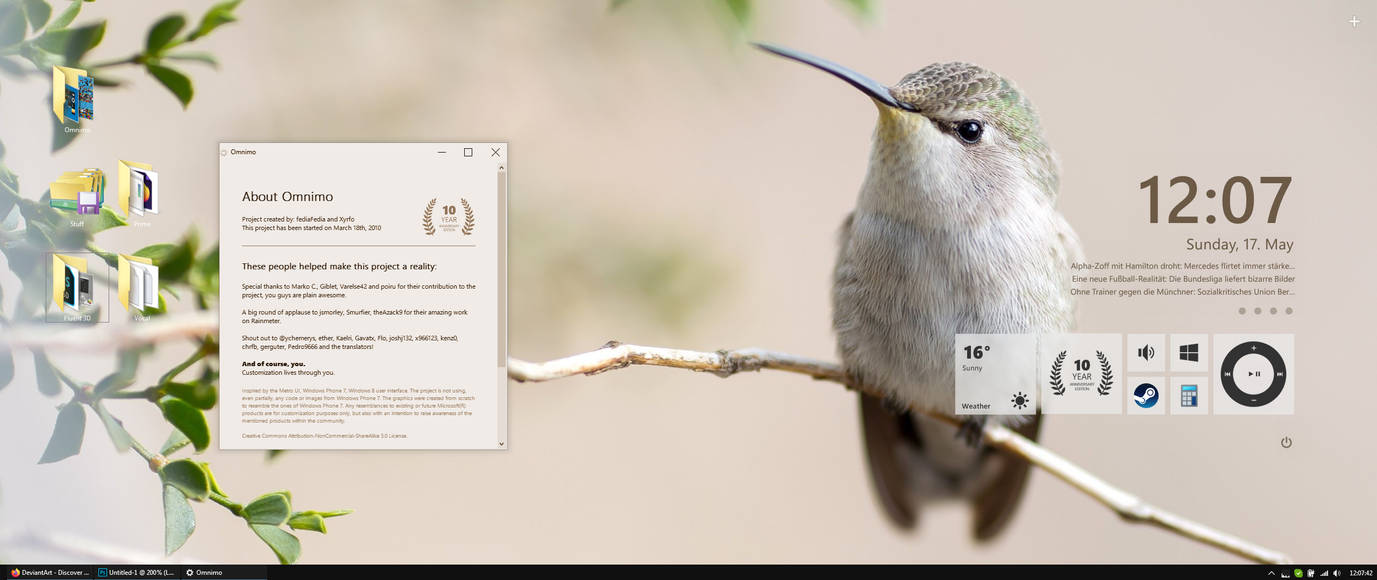
To continue celebrating its  10 Year Anniversary, I got an amazing opportunity to do an interview with spiraloso
10 Year Anniversary, I got an amazing opportunity to do an interview with spiraloso Not exactly my style to open up on such a personal level, but I figured I might as well, given the occasion. Now is your chance to understand me a little bit better.
Click below to read the full interview:
Stay tuned for more announcements! We're not stopping here!

Join the community to add your comment. Already a deviant? Log In
New Category - xWidget
1 min read
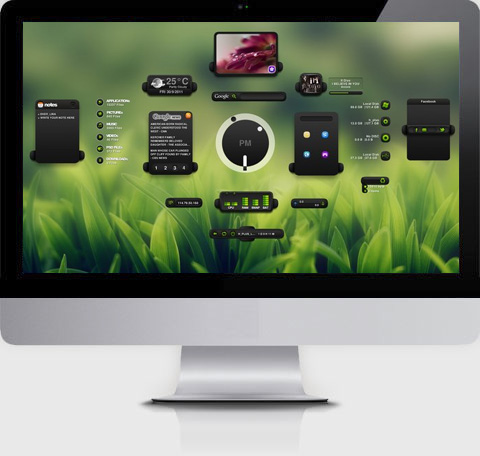
I was surprised to find that this category didn't exist yet.
This is no longer the case, thanks to
 we have an appropriate category for xWidget
Customization > Skins & Themes > System Monitoring > xWidget www.deviantart.com/customizati…
We're moving xWidgets to this category now, you might get some notes
Info: XWidget is a free desktop customization platform. It’s light, handy with powerful visual widget editor and very smooth animations.
Official website: xwidget.com/
(Oh and before anyone asks, no, I'm not abandoning Rainmeter)
Thanks, if there are any concerns about the customization sector, please let me know in the comments!

Join the community to add your comment. Already a deviant? Log In
Omnimo Desktop Contest WINNERS
2 min read


Join the community to add your comment. Already a deviant? Log In
[ended] Omnimo 6 Release +$100 Contest
5 min read


Join the community to add your comment. Already a deviant? Log In
Info / PSA / First Features
6 min read
Hey guys, I haven't written anything in a while, just thought I'd update my journal with the essentials.
As some of you probably heard, I recently graduated college in Denmark and received my degree as a Multimedia Designer
Although I think I've learned more about design in these years here on DeviantArt making projects and such, the experience of studying in Denmark and expanding my circle of friends was certainly worth it. This was one of the main reasons why I've been rather inactive lately, the other reason being is that I'm working full time in London right now.
But not to worry, my side-projects are all up and running. This includes Omnimo, me and Xyrfo went back on track recently and we're close to an internal beta test. Those pesky TextItems won't fix themselves though (we did have an infrastructure upgrade, again.).

In addition to Omnimo, I'll have 2 interesting projects coming up soon. Won't spoil much, but one is web-based, somewhat similar to the infamous Windows Update prank, but cooler. And the other one is a desktop-customization project that may just change the way you use wallpapers 
---
Now about the Download button issue. We heard you, you wanted the download button to be more visible and less confusing.
Seems like an overwhelming amount of people agree that the current state of the download button is rather ridiculous.
I'll address this issue with the top people on DeviantArt, and hopefully it's something that can be resolved quite soon.
Thank you for voicing your opinion. And if there are any other concerns about the website or the community in general, please let me know ^^
---
Customizer feature of the Month
I want to dedicate this month's personal feature to our Customization superman,
`neiio
In the last 30 days, he released so many high quality customization resources, that it's hard to count. Do check them out, they're marvelous!
<da:thumb id="374349281"/><da:thumb id="374559824"/><da:thumb id="374954997"/><da:thumb id="376235060"/><da:thumb id="378650561"/><da:thumb id="379748440"/><da:thumb id="381714201"/><da:thumb id="380281415"/><da:thumb id="376235831"/><da:thumb id="372243813"/>
<da:thumb id="369013100"/>

 <da:thumb id="373453243"/>
 <da:thumb id="181250858"/>


Please don't forget to suggest a DailyDeviation if you find something awesome!
---
Shouts out to:


P.S. The SOTQ Voting should start on #Rainmeter soon, keep an eye out.
Cheers!
This message has been reviewed and approved by the NSA
Join the community to add your comment. Already a deviant? Log In